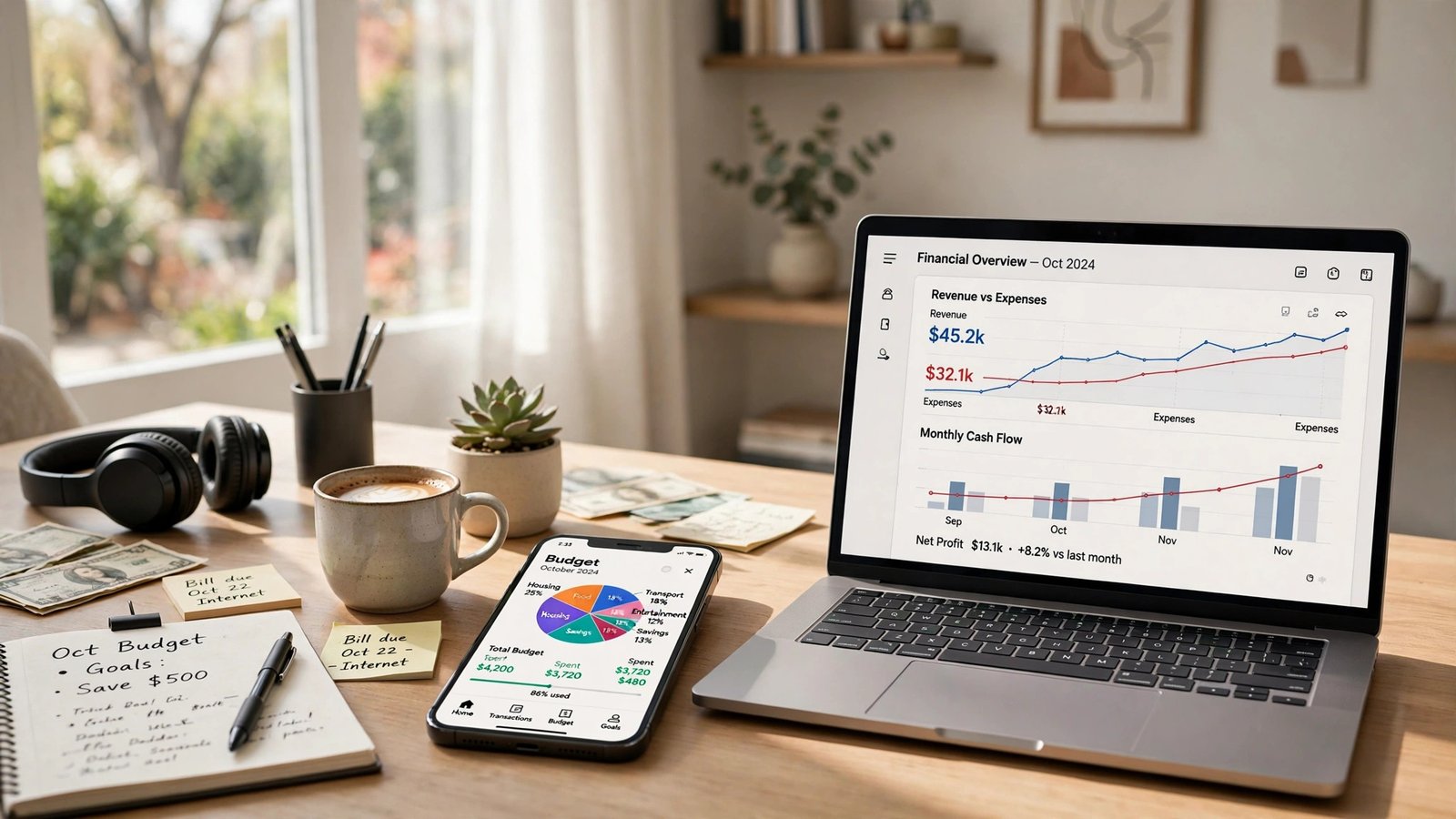
A budgeting app earns its place only if it is still being opened months after the download. Most are not. The first week brings tidy charts and good intentions, and then the categories drift, a bank connection quietly breaks, and the app becomes one more icon carrying a small charge of guilt. What a beginner actually needs is far plainer. You need to see every account in one place, without logging in and out of separate banking apps. You need categories that match real life as you actually live it, rather than a template designed for somebody else’s household. And you need a weekly glance that takes minutes, answering one honest question: is the money roughly where it was meant to be? An app that delivers those three things, calmly, has done its job. One that buries them under forecasts and clever features has not, however impressive the tour looked on the first day.
Every app worth considering is really a servant to a method, which is why the sensible starting point is the approach itself, set out in how to create a personal budget that you will actually follow, before any subscription is chosen. Most of the names that follow automate one of a few well-worn methods: giving every unit of money a job in advance, dividing spending into envelopes, or simply tracking what happened and adjusting as you go. None of these methods is magic, and the differences between them matter less than the fit with your temperament. Someone who likes a plan will thrive on a stricter method and resent a loose one. Someone who hates rules will abandon the strict method by the second month and call the app useless, when the method was the mismatch. That shared purpose is the heart of what a personal budget is meant to do: turn vague money anxiety into a small set of visible decisions. Choose the method in your head first, then judge each pick by how faithfully it serves that method.
Pick One: YNAB, built around the discipline of giving every unit of money a job before the month starts. Income is assigned to categories until nothing is left unplanned, and when life disagrees with the plan, assignments are moved openly rather than ignored. The method is the product here; the software is the enforcement of it, with prompts and rules that teach the habit as you go. That teaching quality is why beginners who feel out of control often settle with it when looser trackers have failed them. It rests squarely on zero-based budgeting and how the method works, the idea that a budget should account for everything rather than whatever happens to remain. The demand it makes is time: the assignments need a few minutes of attention most weeks, and people who want a budget that runs entirely by itself will find the discipline tiring, however sound the thinking is.
Pick Two: Monarch, the pick for households rather than solo budgeters. Its strength is the shared view: partners can each keep their own logins while looking at the same accounts, the same categories, and the same reports, so the money conversation starts from one agreed picture instead of two partial ones. Reporting is clean and readable, the kind a person might actually open at the kitchen table, and goals and balances sit alongside everyday spending without turning the screen into an accountant’s worksheet. For a couple where one partner has held the whole financial picture in their head, that shared visibility is the feature that matters most. Beginners budgeting alone can use it well, yet its real value shows when two people need to stop having the same argument from different sets of numbers.
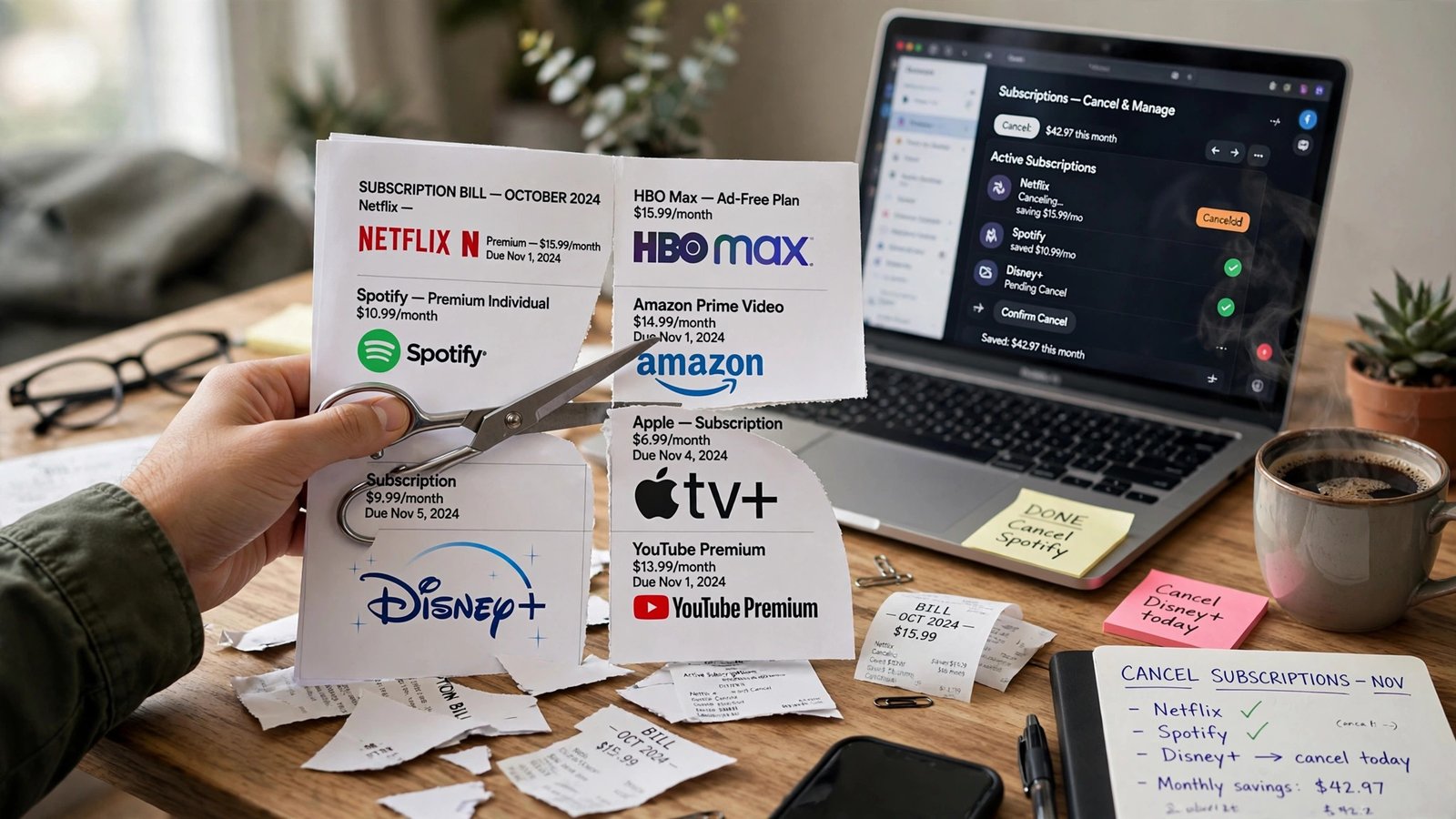
Pick Three: Rocket Money, framed around hunting down what you forgot you were paying for. Its signature promise is subscription detection: the recurring charges, trials that quietly converted, and services renewed out of habit, all gathered into one list where each can be judged and cancelled. For many beginners, that first list is worth more than a year of category charts, because money leaking to forgotten subscriptions is money no category was ever going to catch. The service also offers bill negotiation on the user’s behalf, letting its team argue certain household bills down. Judge that feature calmly: a negotiated saving is welcome when it lands, but it is an occasional event, not a budgeting method. The steady value here is awareness of recurring charges, which pairs well with any method you then run in earnest.
Pick Four: Copilot, the polished option for people who live inside the Apple ecosystem. Design is its calling card: clear screens, smooth movement between accounts, and categories that are pleasant rather than punishing to maintain. That polish is not decoration for its own sake. An app a beginner enjoys opening is an app that survives the third month, and Copilot is built to be enjoyed. The limitation is equally clear: it serves the Apple world only, so a household split between platforms will find the walls of the garden quickly. Within those walls, it offers tracker-style budgeting done with unusual care, presenting spending in a way that makes the weekly glance feel like a reward rather than a chore.
Pick Five: EveryDollar, the zero-based method in its most direct form. Every unit of income is planned into a category before the month begins, in line with the same give-every-unit-a-job thinking described earlier, and the month is then lived against that plan. Its free tier works through manual entry: you type spending in yourself rather than having transactions pulled in automatically. Beginners split sharply on that point. For some, typing each purchase is the friction that makes spending conscious, and the budget finally sticks because nothing slips past unnoticed. For others, manual entry is homework, and homework gets skipped by the second busy week. Neither reaction is wrong, and knowing which person you are is worth more than any feature list. If you are the first kind, the free tier may serve you for a long time; if you are the second, choose another pick, but do not pretend otherwise.
Pick Six: PocketGuard, which reduces the whole business to one number: how much is safe to spend. After accounts are connected and bills, essentials, and goals are accounted for, the app presents a single remaining figure for discretionary spending, and that figure is the budget as far as daily decisions are concerned. This is the simplest mental model on the list, and for a beginner overwhelmed by categories and methods, simplicity is not a weakness but the entire point. There is nothing to configure into exhaustion and nothing to interpret at the shop. The trade-off is depth. A single number will not teach you where the money went in detail, and someone who later wants finer control will outgrow it. As a first year of budgeting, though, one honest number, checked often, beats an elaborate system checked never.
Pick Seven: Goodbudget, the envelope method in digital form. Money is divided into envelopes for the likes of food, transport, and leisure, each envelope holds its planned amount, and when an envelope is empty, spending in that area stops or is openly moved from another envelope. Entry is manual, which suits cash-heavy households in particular, since cash spending never arrives through a bank feed anyway and an envelope on a phone tracks it as honestly as paper once did. Couples and housemates can share the same envelopes across devices, keeping the system visible to everyone it affects. The method is old, plain, and psychologically strong, because an empty envelope is a clearer signal than a chart. Beginners who think in physical money will feel at home here sooner than in any automatic tracker.
Pick Eight: your own bank’s built-in tools, the honest baseline against which every other pick should be measured. Most banks now offer spending summaries, category breakdowns, alerts, and simple savings pots inside the app you already have. The features are thinner than the dedicated apps: categories are blunter, methods are barely supported, and reports will not win any design praise. But the tools are free, already connected to your money with no new passwords handed to a third party, and already installed on your phone. For a beginner whose real problem is simply never looking, the bank app removes every excuse at once. Many people should start here for a month, learn what they actually look at, and only then decide what a dedicated app would need to add to earn its subscription.
Whichever pick you take, the setup week decides more than the choice itself. Connect the accounts the app will follow, all of them, since a budget watching only some of your money is a story with chapters missing. Then fix the categories in that first week, while motivation is high: rename them to your real life, merge the ones you will never use, and add the awkward personal ones, the takeaway coffee, the school costs, the hobby that eats money quietly. Finally, set one weekly review ritual, at a time you will actually keep, where the app is opened, the week is glanced over, and one small adjustment is made if one is needed.
The free-versus-paid question resolves more easily than it first appears. A paid tier earns its money only in one circumstance: when what it catches is worth more than what it costs. Cancelled subscriptions you would never have found, overspending spotted in the week it happened rather than the month after, a bill argued down on your behalf; when those savings outrun the subscription across a year, the app has paid for itself. When the paid features are merely prettier charts over the same glance you could have taken for free, they have not. Treat any paid tier as probationary. Run the free version or the baseline first, watch what the app actually changes in your behaviour, and upgrade only for a capability you have already felt the absence of.
The real failure mode is the quietest one. The app is not the budget. The download is not the budget, and the beautifully settled categories are not the budget. The weekly glance is the budget: the few minutes, repeated without drama, in which you look at where the money went and decide, gently and in advance, where it goes next. Choose the pick that makes that glance easiest to keep, and the rest is detail.