
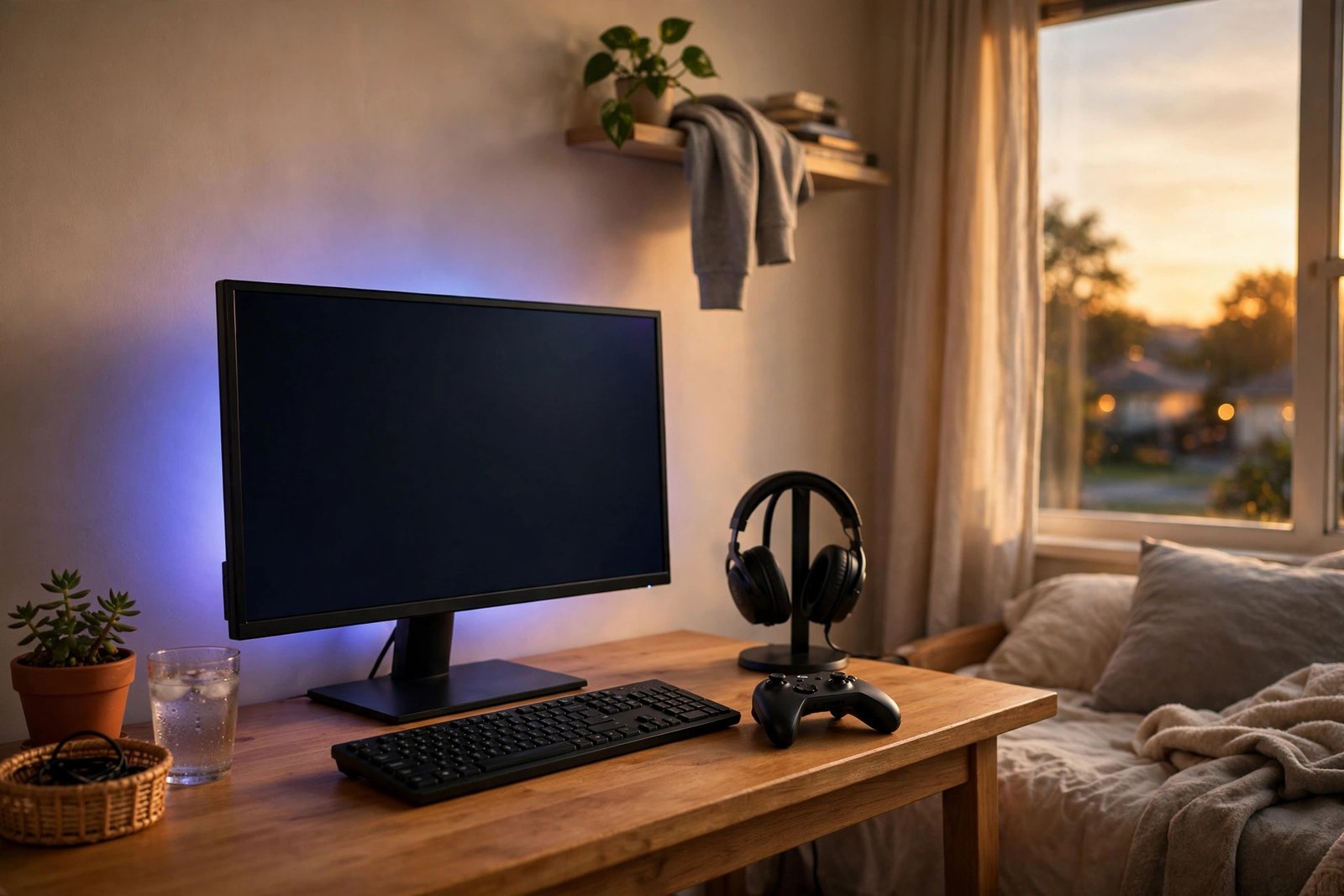
Every gamer knows the feeling: your setup works, technically, but something is off. The monitor feels small, the chair aches after an hour, the headset crackles, and your friend’s stream looks like it was filmed in a different decade — a better one. The good news is that transforming a setup does not require a $2,000 overhaul. The right upgrades, in the right order, deliver 80% of the premium experience for a fraction of the cost.
This guide shows you how to upgrade your gaming setup on a budget: the priority order that maximizes impact per dollar, the best sub-$50 upgrades, where to find quality gear cheap, the ergonomics that actually matter, and the overhyped purchases to skip.
The Golden Rule: Upgrade in Impact Order
Not all upgrades are equal. Ranked by how much they improve your daily experience per dollar: 1. Chair/seating comfort — you feel this every minute; 2. Monitor — you stare at it for every second of play; 3. Audio — a good headset transforms immersion more than graphics settings; 4. Input — keyboard and mouse precision; 5. Aesthetics — lighting and cable management, last because they change how the setup looks, not how it plays.
Beginners almost always invert this list, buying RGB strips before fixing a wobbly chair. Resist. A $40 seating improvement you feel for six hours daily beats a $40 light strip you notice for six minutes. Spend in impact order and every dollar works harder.
The Best Bang-for-Buck Upgrades Under $50
A monitor riser or arm ($25–$40): getting the screen to eye level fixes neck strain instantly and frees desk space underneath. A simple arm also lets you pull the monitor closer for immersion.
A quality mousepad, XL size ($15–$25): the most underrated upgrade in gaming. A large, smooth surface improves aim consistency more than a fancy mouse will, and it visually unifies the whole desk.
Headset upgrade ($40–$50 on sale): you do not need $200 audiophile gear — well-reviewed budget headsets from established brands deliver dramatically better positional audio than earbuds or TV speakers. Watch for sales; last year’s models drop 30–40%.
LED bias lighting ($12–$20): a USB strip behind the monitor reduces eye strain in dark rooms and makes the whole setup look premium on stream. This is the rare aesthetic upgrade that also serves your eyes.
Cable management kit ($10–$15): sleeves, clips, and a under-desk tray. It takes an afternoon and makes a $300 setup look like a $1,000 one — and dust-free cables last longer.
The $50–$150 Tier: Where Big Jumps Live
Monitor: the single biggest visual upgrade. A 24″ 1080p 144Hz+ IPS panel now routinely sells for $120–$150 on sale, and the jump from 60Hz to 144Hz is the most dramatic “how did I play without this” moment in budget upgrading. Prioritize refresh rate and panel type over resolution at this budget — smooth 1080p beats choppy 1440p.
Chair: skip the “racing style” gaming chairs, which are often style over substance at budget prices. A used ergonomic office chair (Herman Miller, Steelcase) from office liquidators or Marketplace at $75–$150 will out-comfort any $150 gaming chair and last a decade. Your back will thank you daily.
Keyboard/mouse: only upgrade if yours actively hinders you — double-clicking mice, mushy keyboards. A $40 mechanical keyboard (hot-swappable switches are a bonus) and a $30 mouse with a flawless sensor cover 99% of players. Beyond that, you are paying for preferences, not performance.
Buy Smart: The Used and Sale Playbook
Monitors, chairs, and audio gear are ideal secondhand buys — they are durable and easy to test. Check Marketplace and local listings with alerts; corporate office closures flood the market with premium ergonomic chairs at 10% of retail. For new gear, the sale calendar is predictable: Black Friday/Cyber Monday, Prime Day, and back-to-school season bring the deepest discounts. Set price alerts and buy the dip like you would a stock.
One caution from the console world: keep your gear cool and ventilated. Overheating kills electronics faster than age — if you game on your phone too, learn how to stop your phone from overheating when you play games, because thermal throttling ruins performance on every device. And if you run a dual-purpose battlestation, setting up a second monitor with your laptop is the cheapest productivity upgrade that doubles as a streaming or Discord screen.
Ergonomics: The Upgrade That Pays Daily Dividends
The unsexy truth: monitor at eye level (top third of screen), elbows at roughly 90 degrees, feet flat, and the 20-20-20 rule for eyes (every 20 minutes, look 20 feet away for 20 seconds). A $15 footrest and a monitor at the right height prevent the neck-and-wrist complaints that end gaming sessions early. Take a five-minute movement break hourly — your reaction time literally degrades with fatigue, so breaks are a performance upgrade, not laziness. The Consumer Product Safety Commission also notes that stable, properly mounted monitors and furniture prevent tip-over injuries — anchor tall shelving, especially with kids or pets around.
What NOT to Buy
RGB everything: one tasteful strip, fine; a rainbow explosion just distracts and dates the setup.
“Pro” gear above your skill tier: a $150 mouse will not fix game sense. Upgrade skill first, gear second.
Cheap gaming chairs: the $99 racing-style chair is the most regretted purchase in budget setups — uncomfortable within months.
Upgrades for games you do not play: do not buy a 240Hz monitor for cozy single-player games; match gear to your actual library. Speaking of which, if your taste runs chill, relaxing games for casual players deserve a setup tuned for comfort over competition.
Extended warranties on cheap gear: at these prices, the warranty often costs a third of the item — self-insure instead.
Also consider the power bill: gaming PCs and big monitors draw real wattage, and the Department of Energy’s efficiency tips can trim the cost of long sessions — enable sleep modes, unplug peripherals, and game guilt-free.
Conclusion
Upgrading your gaming setup on a budget is about sequence, not spending: comfort first (chair, monitor height), then the screen, then audio, then input — with aesthetics last. Hunt the used market, buy on the sale calendar, fix ergonomics before RGB, and skip everything marketed at “pros” that does not match how you actually play. A thoughtful $200 in the right order feels like a $1,000 setup. Your eyes, back, and kill-death ratio will all notice.
Frequently Asked Questions
What is the first thing I should upgrade in my gaming setup?
Whatever causes you physical discomfort — usually seating or monitor height. After comfort, the monitor itself (higher refresh rate) delivers the biggest experiential jump per dollar.
Is a 144Hz monitor worth it on a budget?
Yes — it is the most noticeable single upgrade for fast-paced games, and 1080p 144Hz IPS panels regularly drop to $120–$150 on sale. Prioritize refresh rate over resolution at budget prices.
Should I buy used gaming gear?
Monitors, chairs, keyboards, and headsets are excellent used buys — test before paying. Avoid used mice (switch wear) and anything with non-replaceable batteries showing degradation.
How much should I budget for a solid setup upgrade?
$150–$300 total, spent in impact order, transforms most setups: monitor arm, XL mousepad, headset, bias lighting, cable management, and possibly a used ergonomic chair. Beyond that, returns diminish quickly until you are replacing core components.