
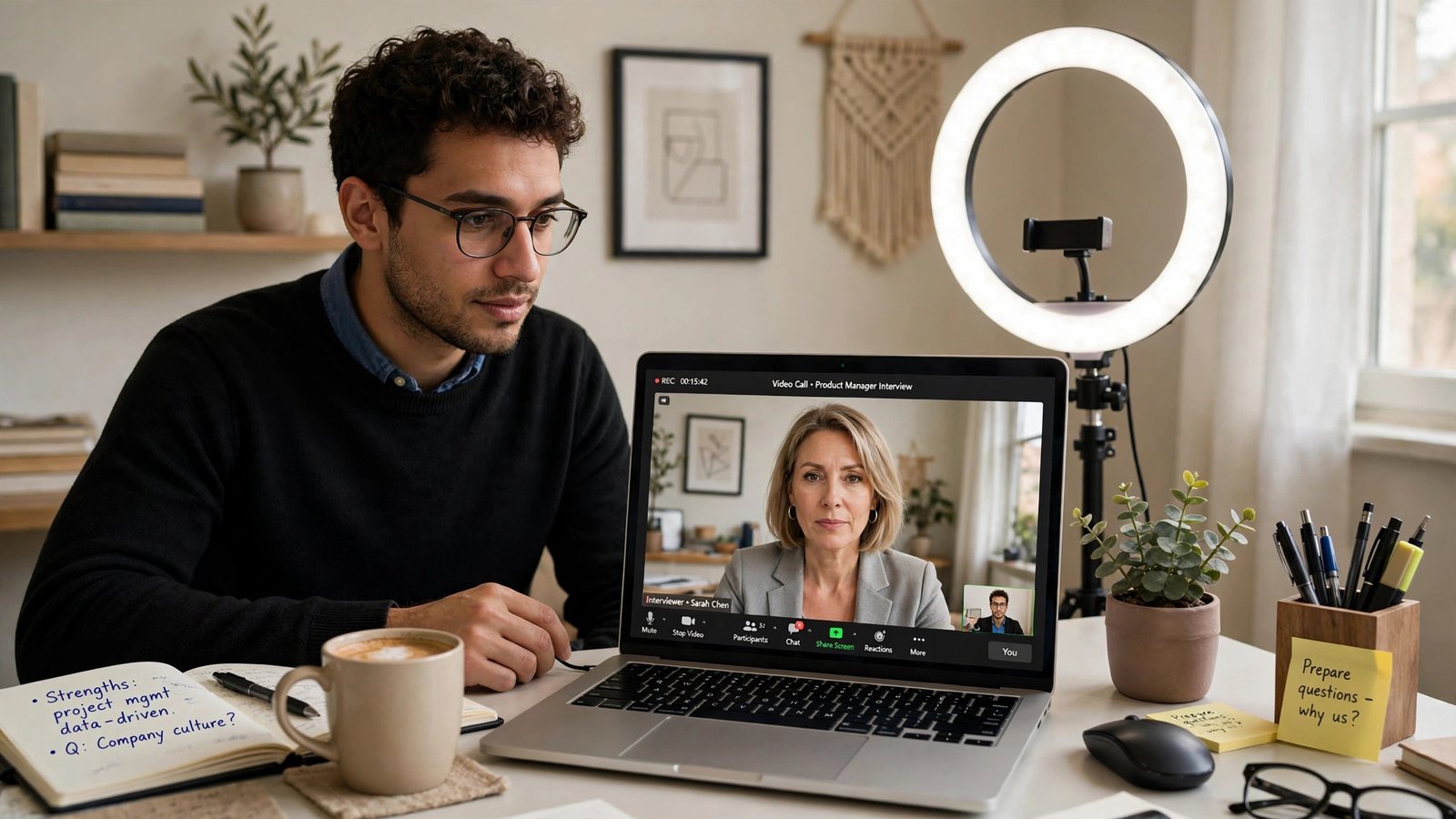
You got the email: “We’d love to schedule a video interview — are you available tomorrow?” Video interviews are now the default first round for most professional roles, and they come with failure modes in-person interviews don’t: the frozen screen, the echoing audio, the cat walking across the keyboard, the candidate who looks great on paper but stares at their own face the whole call.
The good news: video interviews are highly preparable, and most candidates prepare badly — which means basic preparation puts you ahead of most of the field. Here’s the fast, complete prep checklist.
The Tech Setup (30 Minutes, Do This First)
Technical problems are the number-one video-interview killer, and they’re entirely preventable:
- Test everything 24 hours ahead: camera, microphone, speakers, and the specific platform (Zoom, Teams, Google Meet). Do a test call with a friend — “can you hear me fine?” beats discovering echo mid-interview.
- Internet: use a wired connection if possible; otherwise sit near the router and ask household members to pause streaming during your slot. Have your phone’s hotspot ready as backup.
- Power: plug in the laptop. A dying battery mid-interview is a preventable disaster.
- Close everything: quit Slack, email notifications, and other apps. Turn on Do Not Disturb. One “ping” during your answer about attention to detail is memorable for the wrong reasons.
- Backup plan: have the interviewer’s phone number or email handy. If tech fails, you want to reconnect in 60 seconds, not panic for ten minutes.
Lighting, Camera, and Background (20 Minutes)
- Lighting: face a window or put a lamp behind your camera, aimed at your face. Never sit with a bright window behind you — you’ll be a silhouette. A $20 ring light or desk lamp is a fine investment.
- Camera at eye level: stack books under the laptop until the camera is level with your eyes. Looking down into a laptop camera is unflattering and reads as disengaged; looking up your nose is worse.
- Frame: head and shoulders, with a little space above your head. Too close feels intense; too far feels distant.
- Background: clean and neutral — a plain wall, a tidy bookshelf, a blurred virtual background. Remove anything distracting, controversial, or messy. Do a screenshot test and look at it critically.
- Audio: wired earbuds with a mic beat laptop speakers for clarity and eliminate echo. Test the mic level — too quiet is as bad as too loud.
Look the Part (Head to Waist, Minimum)
Dress as you would for an in-person interview from the waist up — and honestly, just dress fully; standing up unexpectedly in pajama pants is a classic blooper. Solid colors photograph better than busy patterns (which can moiré on camera). Avoid pure white (it blows out on webcam) and all black (you become a floating head).
Grooming matters more on camera: webcams exaggerate shine (blot or use a touch of powder), and good posture reads as confidence. Sit up, shoulders back, a few feet from the screen — not hunched six inches from the lens.
Content Prep: The Fast Version
With limited time, prioritize:
- Your 90-second story: the present-past-future narrative for “tell me about yourself” — the highest-ROI preparation for any interview.
- Three STAR stories: your best examples of solving problems, leading/initiating, and handling conflict or failure. Most behavioral questions map to these.
- Company research (30 min): what they do, recent news, the role’s requirements, your interviewer’s background (LinkedIn). Prepare 3–4 genuine questions — “what does success look like in 90 days?” always lands.
- Your questions: never say “no questions” — it signals disinterest. Ask about team dynamics, challenges, and growth.
Keep bullet-point notes (not a script) just off-camera — a glance is fine, reading is obvious. And if your resume needs a last polish before the call, modern resume tactics can sharpen it in under an hour. The Bureau of Labor Statistics’ interview preparation resources and the Department of Labor’s career guidance both offer role-specific practice frameworks worth reviewing.
Video-Specific Performance Tips
- Look at the camera, not the screen: when making key points, look into the lens — that’s “eye contact” on video. It’s unnatural at first; practice with your 90-second story.
- Slow down and pause: audio lag means talking over people is easy. Pause a beat before answering, and let the interviewer finish completely.
- Energy up 20%: cameras flatten presence. Slightly more vocal energy and facial expressiveness than feels natural reads as “normal” on screen.
- Minimize self-view: hide or shrink your own video after checking your framing. Staring at yourself is distracting and makes you perform worse.
- Use names: “That’s a great question, Sarah” builds rapport that video otherwise erodes.
- Handle interruptions gracefully: kids, pets, doorbells happen. A calm “excuse me one moment” beats flustered panic — interviewers are human too.
Understanding how AI screening works in hiring also helps you understand what the human interview is really for — the algorithm checked your keywords; the human is checking your judgment and presence.
Common Video Interview Formats (Know Which You’re Facing)
- Live video call: the standard — prepare as above.
- One-way video interview: you record answers to prompts with time limits, no human present. Practice concise answers (aim for 60–90 seconds each); you usually get one take.
- Video + assessment: some processes combine video with skills tests or AI-analyzed responses. Treat the test seriously — it’s often weighted heavily.
Ask the recruiter which format to expect and how long it runs. “What should I prepare?” is always a fair question.
One-Way Video Interviews: A Different Beast
One-way interviews (recorded answers, no live human) are increasingly common as first screens — and they feel deeply unnatural. Adjust accordingly:
- Practice to the timer: you typically get 60–120 seconds per question with limited prep time. Rehearse concise answers — rambling wastes your one take.
- Use the practice rounds: most platforms offer unlimited practice questions. Do at least five — the awkwardness fades fast, and you’ll discover your verbal tics.
- Structure every answer: point, evidence, close — in 90 seconds there’s no room for wandering. State your headline first, support it once, stop.
- Energy matters more: talking to a lens with no human feedback is draining; consciously project 30% more warmth and expressiveness than feels natural.
- Dress fully and frame perfectly: with no live interviewer to build rapport with, production quality carries more weight. Nail the lighting, background, and audio.
- Don’t re-record obsessively: if allowed retakes, limit yourself to two per question — perfectionism reads as stiff, and most platforms limit attempts anyway.
Treat one-way interviews as performances, not conversations — and remember they’re usually AI-assisted in screening, so clear structure and keyword-relevant content help twice over.
After the Call
Send a thank-you email within a few hours: reference something specific from the conversation (not a generic template), reaffirm your interest, and briefly reinforce your fit. If there were technical hiccups, a light acknowledgment (“apologies for the brief audio glitch — glad we reconnected quickly”) shows grace under pressure. Then follow up once if you haven’t heard back in the stated timeframe.
Frequently Asked Questions
What’s the biggest video interview mistake?
Bad audio. Interviewers forgive mediocre video but disengage from bad audio fast. Use earbuds with a mic, test levels beforehand, and choose a quiet room — audio quality outweighs camera quality.
Should I use a virtual background?
A clean real background beats a virtual one (which can glitch distractingly). Use virtual backgrounds only if your real space can’t be tidied — and test it thoroughly first.
Can I take notes during a video interview?
Yes — brief notes are fine and even signal engagement. Keep them minimal and off-camera; don’t let note-taking break your eye contact rhythm.
How early should I join the call?
Join 5 minutes early to settle tech and nerves, but don’t join 15 minutes early — it can pressure the interviewer. If you’re the host’s guest in a waiting room, 5 minutes is perfect.
The Bottom Line
Fast video-interview prep is a checklist, not a cram session: test tech the day before, fix lighting and camera angle, dress fully, prepare your 90-second story plus three STAR examples, research the company for 30 minutes, and perform for the camera (eye contact with the lens, energy up, pauses for lag). Do that and you’ll outperform the majority of candidates who wing it.